
Configuring payment methods on Breeze from client
Payment methods supported by Breeze
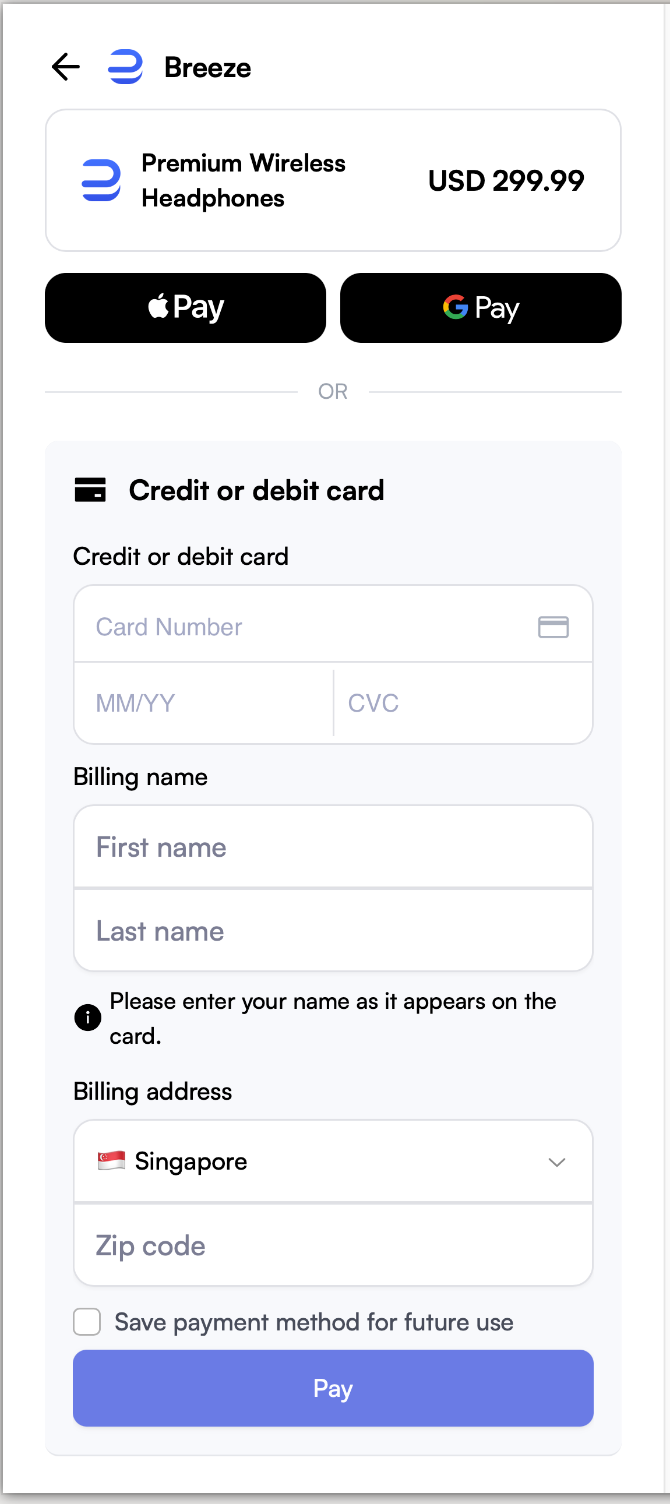
We support four payment methods for payments:
- Apple Pay
- Google Pay
- Manual Card Payment
- Crypto
Specifying payment methods on Breeze
By default we will show all the possible payment methods as long as the browser support it.
You can control which payment methods are shown by adding the URL parameter locked_payment_methods to the Breeze checkout link.
For example, after creating a payment page, the returned URL is:
pay.breeze.cash/page_xxx/pcs_xxx/web
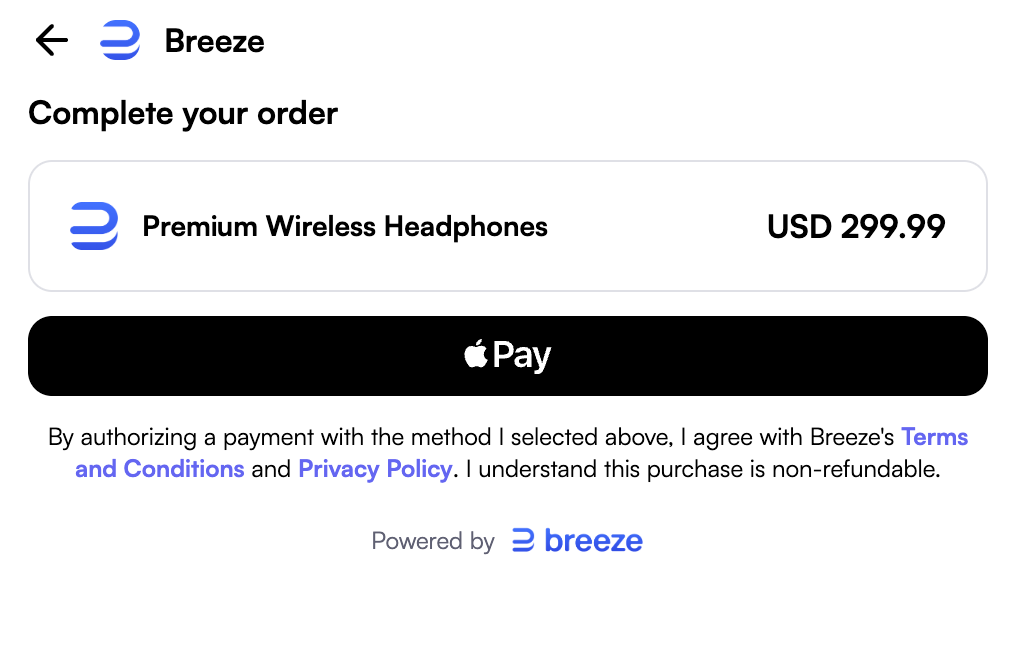
If you want to allow Apple Pay only, append:
?locked_payment_methods=apple_pay
Final redirection URL:
pay.breeze.cash/page_xxx/pcs_xxx/web?locked_payment_methods=apple_pay
Enum values for specifying payment methods
- Apple Pay:
apple_pay - Google Pay:
google_pay - Card (Manual Card Payment):
card - Crypto :
crypto
You can also specify multiple payment methods by joining values with commas:
?locked_payment_methods=apple_pay,card (This will show Manual Card Payment and Apple Pay)
Note: If the specified payment method is unavailable in the user's environment, the payment page will silently fall back to showing all available methods. No error is returned.
Payment methods requiring account enablement
Some payment methods are not available by default and must be enabled on your Breeze account before they appear on the payment page.
| Method | Available by default | How to enable |
|---|---|---|
| Card (manual card payment) | Yes | — |
| Google Pay | Yes | — |
| Apple Pay | Yes | If using iframe integration, proceed to dashboard.breeze.cash/developers/apple-pay to setup. |
| Crypto | No | Contact [email protected] to enable for your account |
Note: Even after account-level enablement, Apple Pay and Google Pay only appear when the customer's browser and device support them (see Scenarios where Apple Pay is supported).
Scenarios where Apple Pay is supported
Apple Pay is supported in the following scenarios:
- Any browser on iPhone
- Safari on macOS
Specifying default crypto token and network
To customize the default crypto token and network shown for crypto payment methods, append the crypto_default_token and crypto_default_network parameters to the query string. For example: crypto_default_token=USDT&crypto_default_network=BASE.
- Supported crypto tokens: USDC, USDT, BUSD, DAI, EURC, ETH, SOL, BTC
- Supported crypto networks: ETHEREUM, OPTIMISM, BINANCE, POLYGON, ARBITRUM, SOLANA, BASE, BITCOIN, TRON
Not every token is available on every network, and account or page configuration can narrow the set. See Supported Crypto Networks & Tokens for the full per-network matrix.
Updated about 2 months ago