
Configuring payout methods on Breeze from client
Payout methods supported by Breeze
We support 3 payout methods for payout:
- Bank account
- Push to card
- Crypto wallet
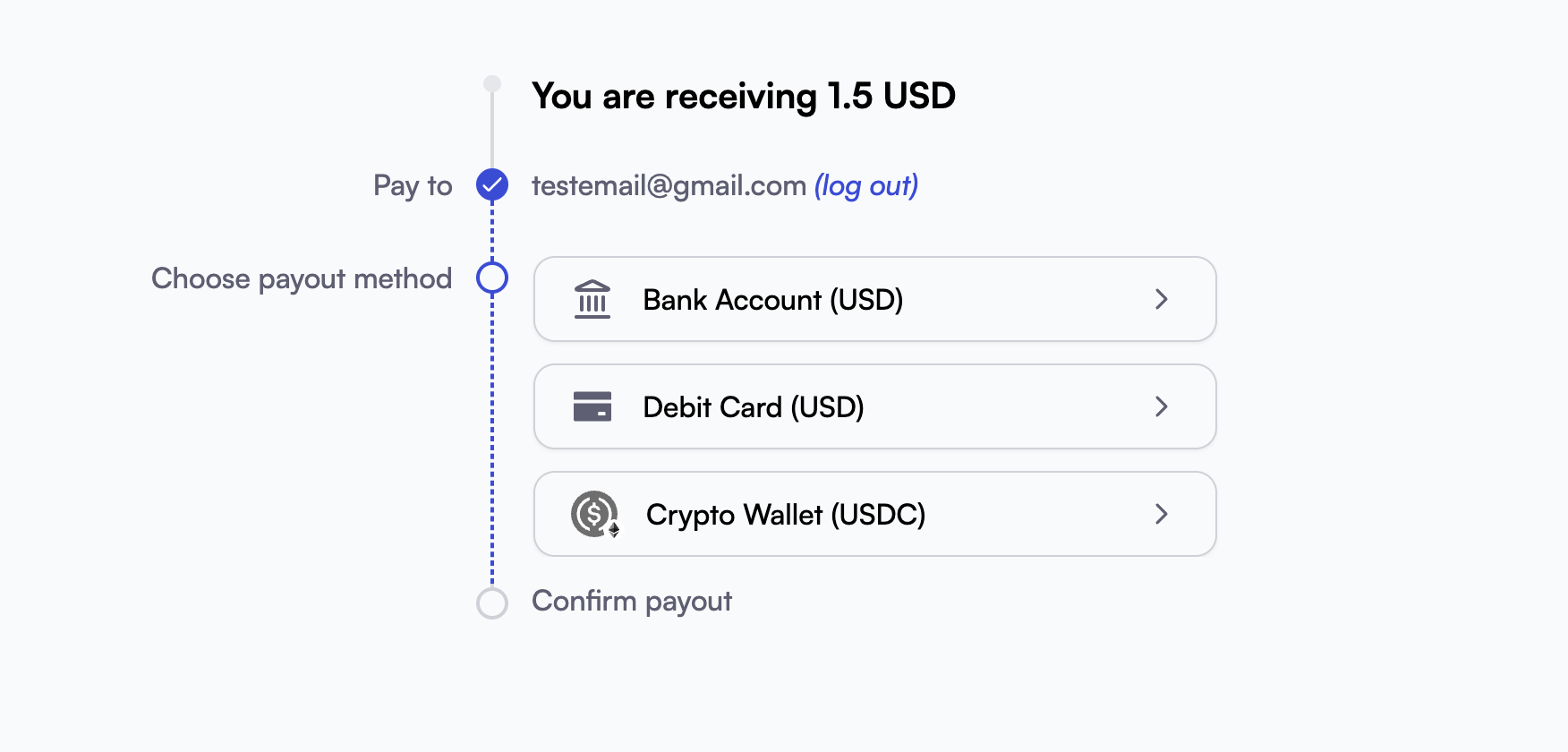
Specifying payout methods on Breeze
By default we will show all the payout methods according to merchant agreements. You can control which payout methods are shown by adding the URL parameter locked_payout_methods to the Breeze payout page link.
For example, after creating a payout page, the returned URL is: payout.breeze.cash/payout-page/payout_xxx
If you want to allow crypto only, append: ?locked_payout_methods=CRYPTO_WALLET
Final redirection URL: pay.breeze.cash/page_xxx/pcs_xxx/web?locked_payout_methods=CRYPTO_WALLET
Enum values for specifying payment methods
- Bank account =
BANK_ACCOUNT - Push to card =
CARD - Crypto wallet =
CRYPTO_WALLET
You can also specify multiple payout methods by joining values with commas:
?locked_payout_methods=BANK_ACCOUNT,CARD (This will show both bank account and card)
Updated 3 months ago
Did this page help you?